
As an admin, you can submit a request on behalf of a user by navigating to the "Requests" page on the left-hand side of the dashboard.
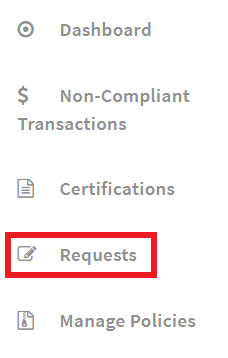
From the "Manage Requests" page, choose "Create Request"

Fill out all of the prompted fields for the certain request type, including the user's name you are creating the request for, and click "Submit."
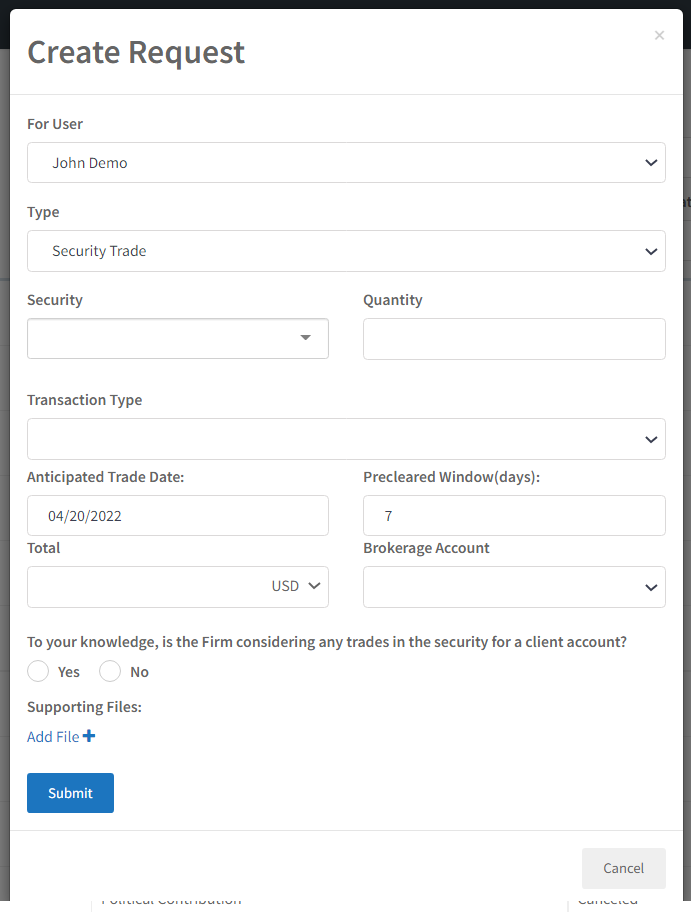
After creating the request, it will then show up in "Pending Requests" for admin approval or denial. A pending request can be edited after it has been submitted. Click "View" on the request that needs updated.
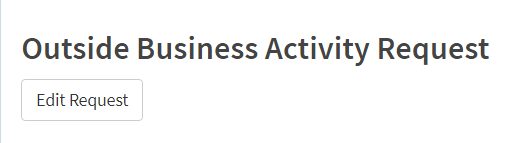
Request details will be opened. At the top of the request, choose "Edit Request."
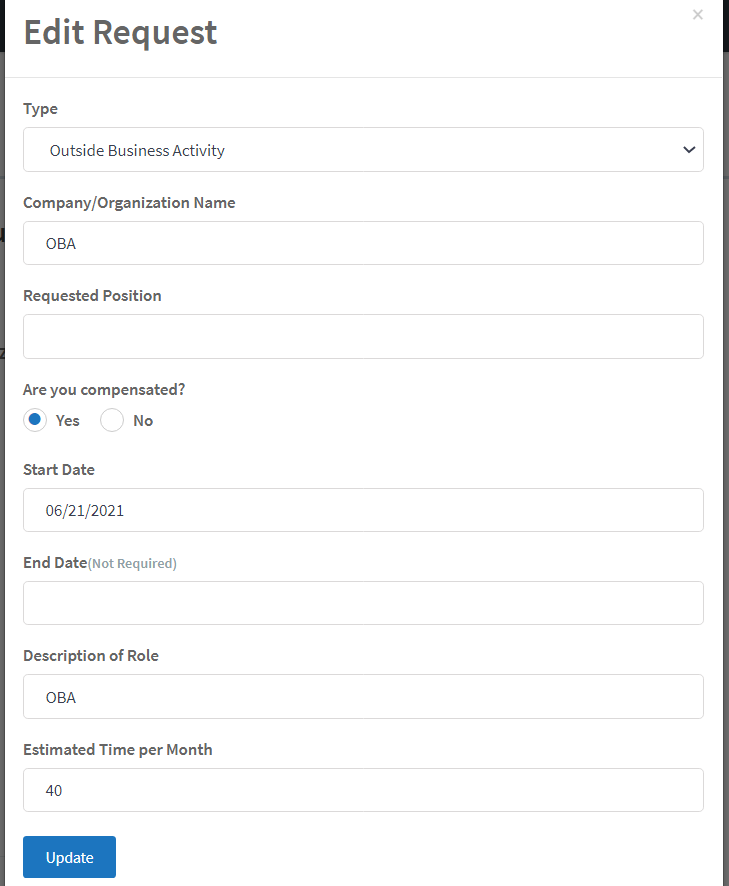
Request details can then be edited. When done editing, select "Update" to save any changes made.
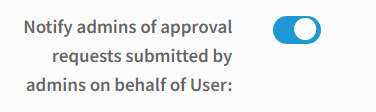
Admins can receive email notifications when requests are submitted on behalf of a user by an admin. These notifications can be turned on by navigating to "Settings" on the admin dashboard. Switch the toggle to the right to turn on notifications.
Comments
0 comments
Article is closed for comments.