
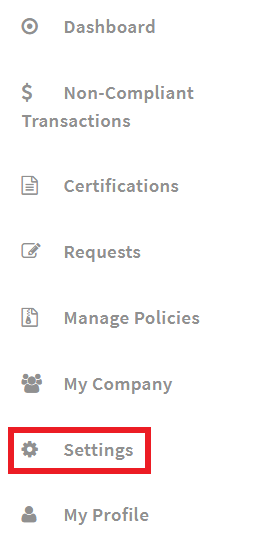
As part of your firm's compliance rules, Admin users can specify a holding period for user trades. By default there is no holding period. To edit this setting from the "Admin" mode, navigate to "Settings" from the main menu.
Choose the "Compliance" tab.

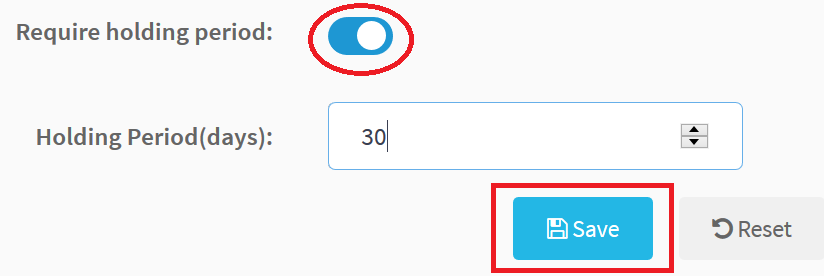
To require a holding period, enable the "Require holding period" option, specify the number of days and click "Save". For example, if a user purchases a security and must not sell it for 30 days, enter "30" into the "Holding Period" box.
Any transactions that violate the holding period will be considered non-compliant.
Comments
0 comments
Please sign in to leave a comment.