
You can change your gVue password at any time. Choose the "My Profile" tab on the dashboard or click on your name or profile picture in the top left corner of the dashboard.
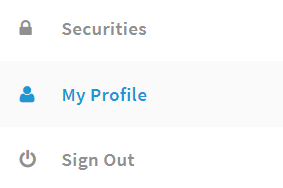
Your personal information will be displayed along with a "Password" textbox and password requirements. You can enter a new password or make any changes to your personal information on this page.
Leaving the password textbox blank will not make any edits to your current password.
Select "Save" at the bottom once you have updated your information to save the changes.
You can also update your username or password by selecting the blue "Change Login Info" box.
Your name and username will be listed. Choose "Edit" to make any changes.

From this page, you can edit your name, username, password, and email.
Leaving the password textbox blank will not make any edits to your current password.
Select "Save" once you have updated your information to save the changes.

Comments
0 comments
Article is closed for comments.